Address
304 North Cardinal St.
Dorchester Center, MA 02124
Work Hours
Monday to Friday: 7AM - 7PM
Weekend: 10AM - 5PM


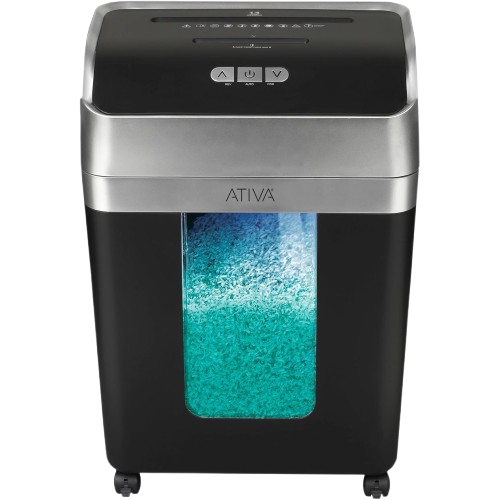
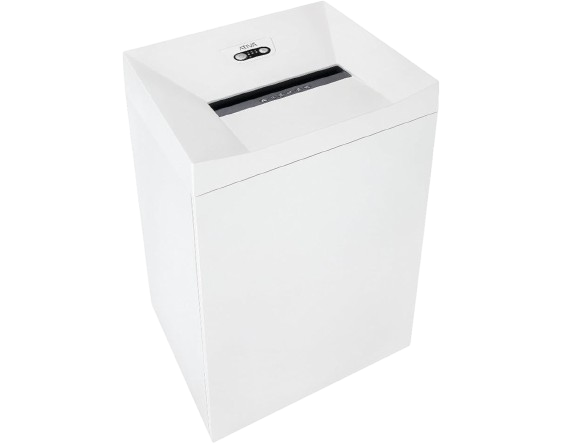
Super micro-cut blades shred paper into tiny pieces measuring 0.078″ x 0.393″, using a cross-hatch pattern for enhanced security.
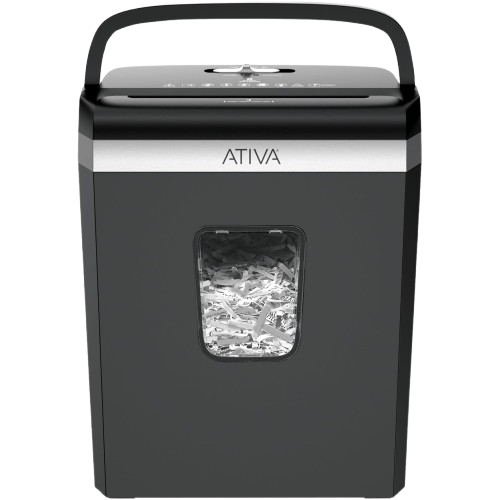
Equipped with integrated features designed to streamline the shredding process, helping you save time and handle documents more efficiently with less effort.
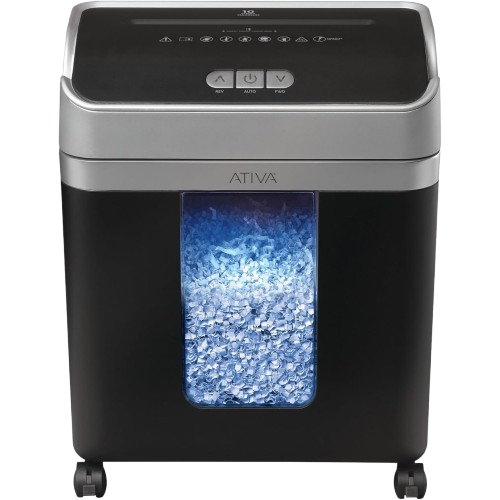
The Ativa shredder in black and gray helps protect personal info at home or work. It shreds up to 10 sheets per pass and has a large bin to reduce emptying.
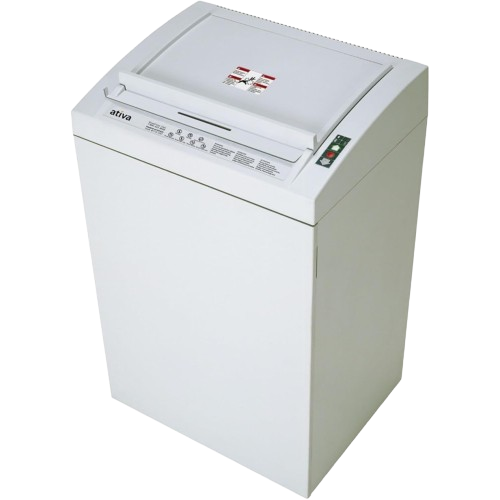
Engineered to meet NSA and CSS security requirements, this shredder ensures your sensitive information remains protected.
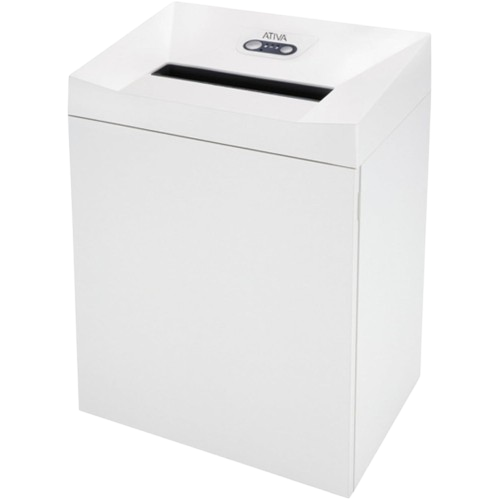
Capable of handling up to 47 sheets at a time, this shredder is designed for heavy-duty use, perfect for small, medium offices.
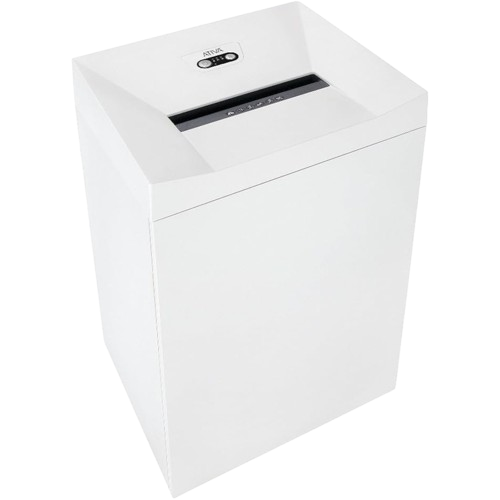
Features an automatic start-stop function, casters for easy mobility, and a large 34.3-gallon wastebasket.
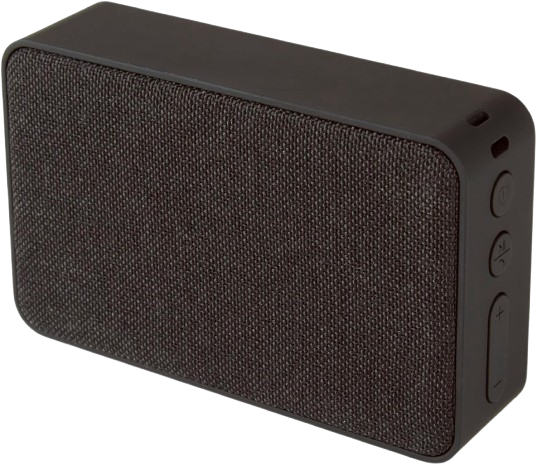
Works with most Bluetooth-enabled devices, including many smartphones, MP3 players, and tablets.
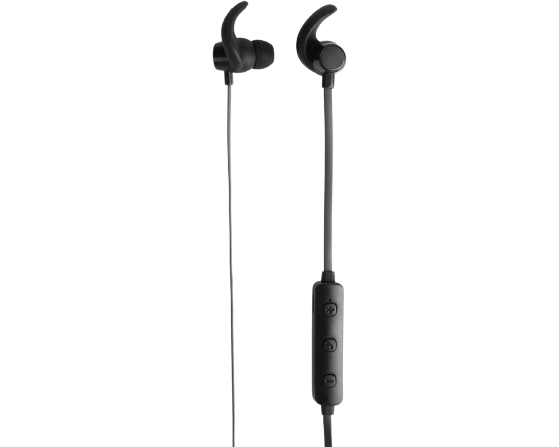
Enjoy your workouts or daily routines while listening to your favorite playlists with these Bluetooth earbuds.
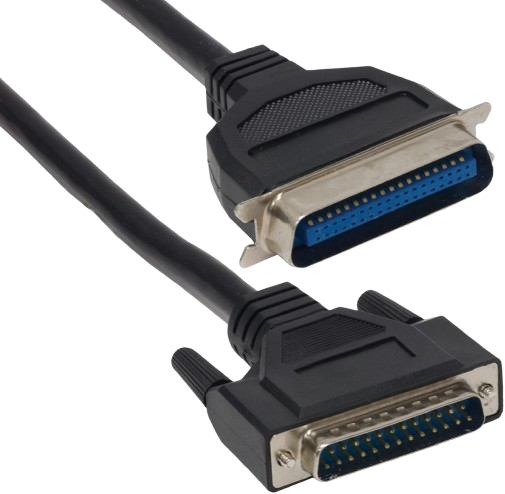
Nickel-plated contacts ensure a reliable connection, while the bi-directional cable allows fast data transfers.
Regular updates and helpful information delivered monthly.
Shredder Ativa didn’t start in some sterile conference room, nah. It began in a tiny, cramped garage workshop where the mountains of paper were seriously about to take over our entire lives. We were drowning—absolutely drowning—in documents, receipts, sensitive files that just had to die. But every damn shredder we tried felt like a plastic toy pretending it was serious equipment. So we built our own, obviously. Machines that could handle real workloads without jamming. Without overheating. Without just giving up halfway through tax season. God.
Solving our own problem? That turned into something way bigger when the neighbors started banging on the wall, then knocking on the door, asking exactly where the hell they could get “that beast of a shredder” they kept hearing through the thin walls. Today, we design and manufacture document destroyers for everyone, from home offices buried in paperwork to massive businesses handling confidential client files every single day. Our shredders aren’t pretty desktop accessories. Forget that noise. They’re workhorses, built to obliterate paper, credit cards, CDs, or whatever else needs to disappear completely. Done.
We named ourselves Ativa because it means “active” in Portuguese—and that’s the whole damn story. While other shredders sit there gathering dust after breaking down on their third stack of papers, ours just keep grinding through whatever you throw at them. No fancy marketing speak, I promise. Zero promises we can’t keep. Just industrial-grade shredding power in a machine that simply won’t quit on you when you need it most. That’s it. in a machine that won’t quit on you when you need it most.
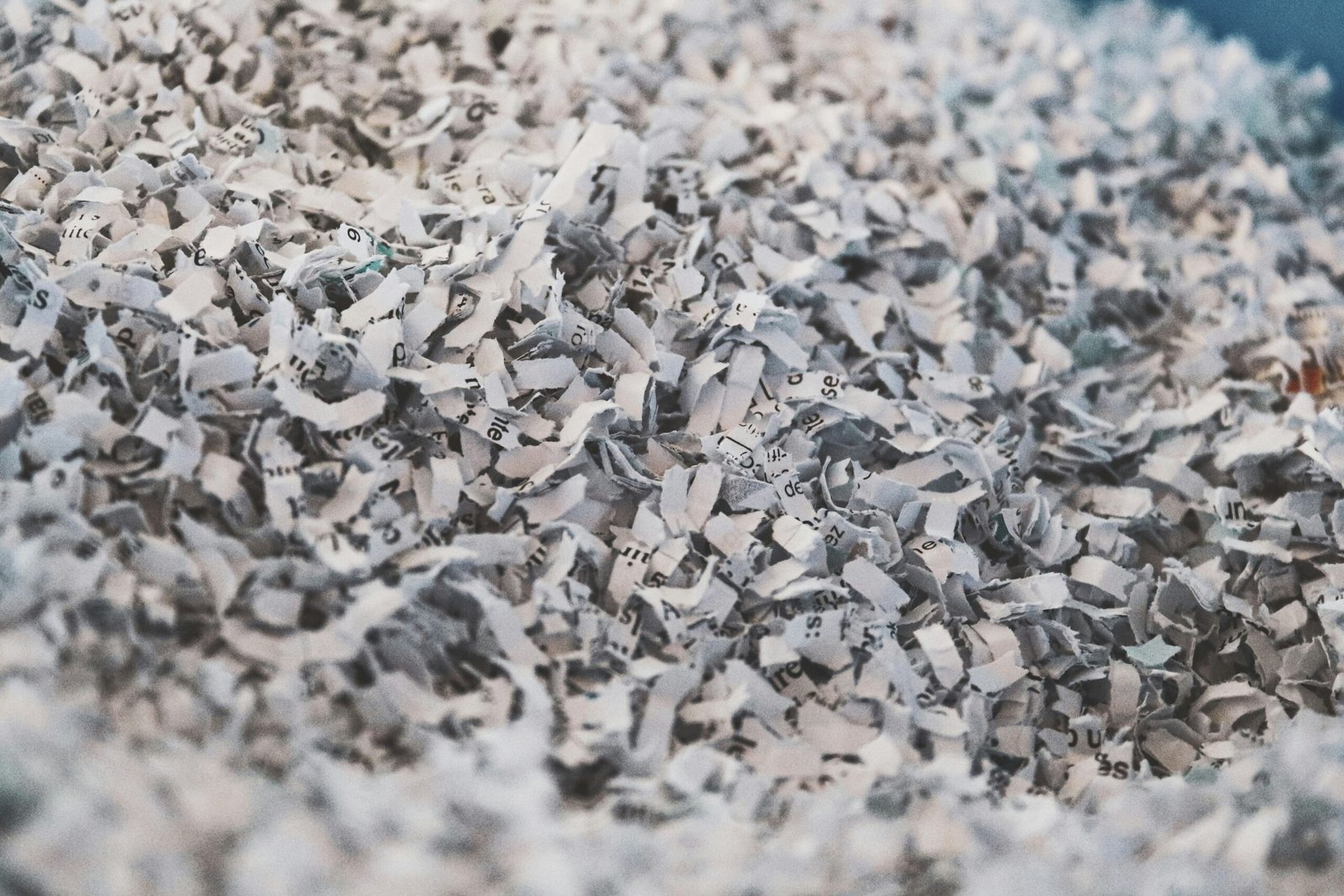
Reduces documents to 5/32″ x 1-1/2″ particles that exceed FACTA compliance requirements, protecting you from identity theft with the same standards banks use.
“Finally, a shredder that doesn’t jam every five minutes. I’ve been using my Ativa for six months now, shredding everything from old tax documents to credit card offers. Still going strong.”
Michael K.
Customer
“We needed something heavy-duty for our medical office. The Ativa handles staples and paper clips without issues, which saves so much time. Only complaint is the bin fills up fast, but that’s because we use it constantly.”
James D.
Customer
“Bought the Ativa 12-sheet model for our home office. It’s surprisingly quiet compared to our old one – I can actually take calls while my wife is shredding. The auto-reverse saved us more than once when we accidentally fed too much.”
Derek T.
Customer
Ativa paper shredders are a popular, affordable choice for keeping your home and office documents secure. The range includes cross-cut and micro-cut models in capacities like 10, 12, and 14 sheets, so you can shred everything from a few pages to a full stack of statements at once.
Micro-cut Ativa shredders turn each page into hundreds of tiny confetti-like pieces for the highest everyday security, while cross-cut models slice paper into short strips that are still very hard to reassemble. Both are ideal for shredding bills, bank statements, and any document with personal information.
Compact enough for a desk yet powerful enough for regular use, Ativa shredders combine solid security with easy operation. Below you will find help choosing a model, clearing jams, oiling and maintaining your shredder, and finding manuals and reviews.
The main difference between cross-cut and micro-cut shredders is how finely they destroy paper. Cross-cut shredders cut pages into short, confetti-like strips, offering good security for everyday home and office use. Micro-cut shredders go further, reducing each page to tiny particles for a higher level of protection.
Security levels are measured on a P-1 to P-7 scale. Most cross-cut shredders fall around P-3 to P-4, while micro-cut models reach P-4 to P-5, which is recommended for sensitive documents like tax records, medical forms, and financial statements.
If you mostly shred junk mail and routine paperwork, a cross-cut Ativa shredder is plenty. If you handle confidential or identity-sensitive documents, choose a micro-cut model for extra peace of mind.
A jam is the most common shredder problem, and it is usually easy to fix. First, switch the shredder to reverse to back the paper out of the blades. If it does not clear, turn the shredder off and unplug it before doing anything else.
Gently pull out any stuck paper, alternating between the reverse and forward settings to work the jam free. Never force a large stack; feed fewer sheets at a time. Overfilling the bin or shredding folded or glossy paper is a frequent cause of jams.
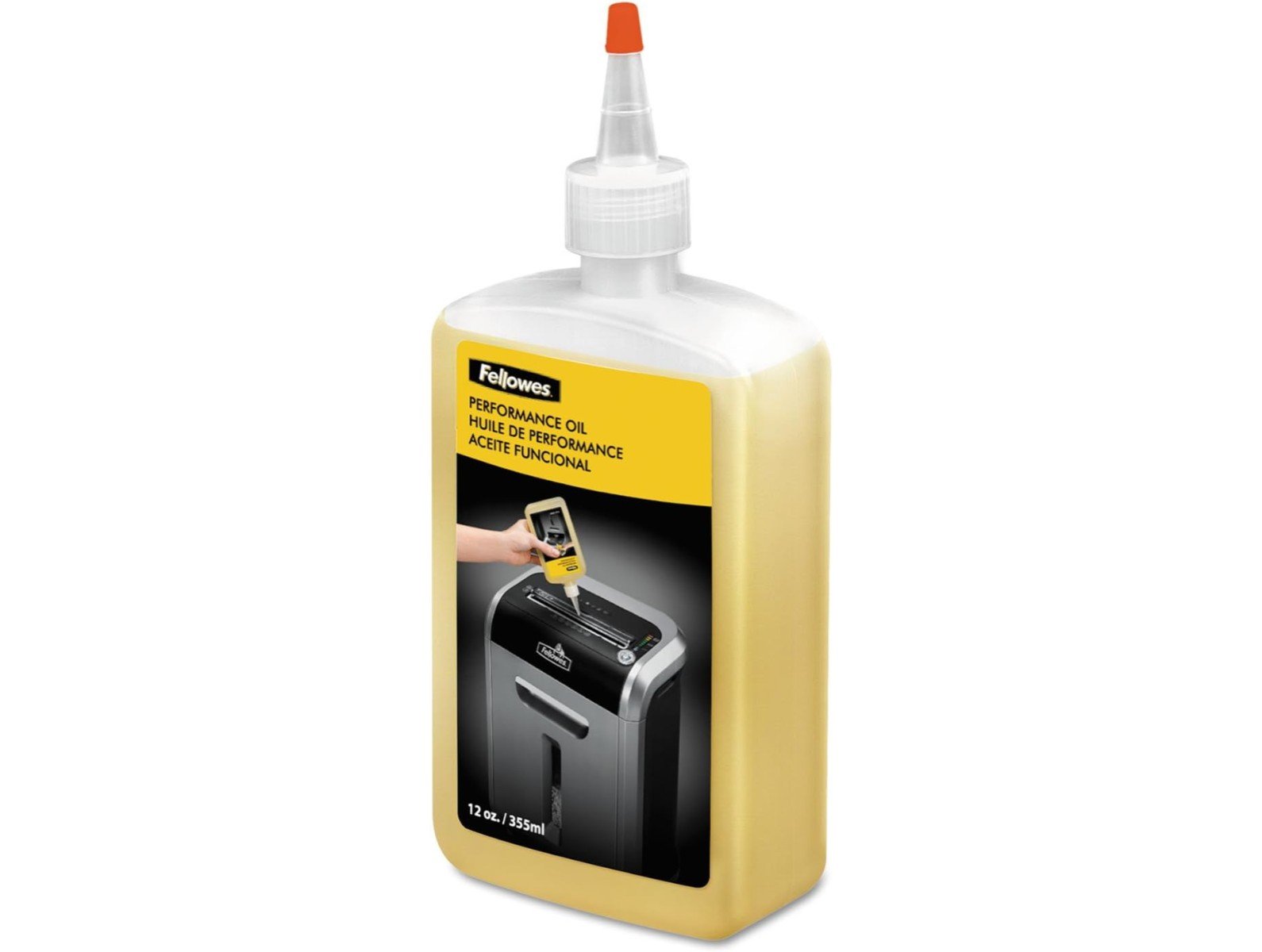
Once the jam is cleared, run a shredder oil sheet through the machine to keep the blades cutting smoothly. If your Ativa shredder keeps jamming, it often just needs oiling or a cooldown after heavy use.
Regular oiling is the single best thing you can do to keep an Ativa shredder running smoothly. Oil reduces friction on the cutting blades, prevents jams, and extends the life of the motor. Aim to oil the shredder every time you empty the bin, or at least monthly with regular use.
Use shredder oil or pre-oiled sheets, never household or cooking oil. Apply the oil across the paper entry slot, then run the shredder in reverse for a few seconds to spread it evenly. Empty the waste bin before it overflows, since a full bin is a common cause of jams and stalling.
Most home shredders also have a run time and cooldown period. If the motor stops during a big shredding session, it may have overheated; let it rest for the time listed in the manual before continuing. With regular oiling and sensible use, your Ativa shredder will last for years.
Ativa is Office Depot’s house brand, which means Ativa shredders are built to deliver dependable performance at a budget-friendly price. Reviews of Ativa shredders often praise their value, straightforward operation, and solid security for home and small-office use.
If you have misplaced your paperwork, you can usually find an Ativa shredder manual by searching the model number printed on the machine. The manual lists the sheet capacity, run time, security level, and maintenance steps specific to your model.
Whether you are comparing the 10-sheet micro-cut, the 12-sheet cross-cut, or a higher-capacity model, matching the shredder to how much you shred and how sensitive your documents are will help you get the most value from your Ativa shredder.
Most models handle standard paper, credit cards, and staples. Some units also process CDs/DVDs and small paper clips. Always check the specific model’s capabilities in the manual, as forcing incompatible materials can damage the cutting mechanism.
This usually indicates an overheat protection activation. Turn off the unit and let it cool for 20-30 minutes. If it stops due to a jam, use the reverse function to clear the blockage. Regular oiling prevents most operational interruptions.
For optimal performance, oil the blades every 30 minutes of continuous use or whenever paper dust builds up. Light users should oil monthly, while heavy users may need weekly maintenance. Apply oil directly to the paper feed slot or use pre-oiled sheets.
For home and small-office use, yes. Ativa shredders are valued for being affordable, easy to operate, and secure, with cross-cut and micro-cut models that handle everyday shredding of bills, statements, and junk mail well.
Switch it to reverse to back the paper out of the blades, alternating reverse and forward to work the jam loose. If that fails, unplug it and gently remove the stuck paper. Feed fewer sheets and oil the blades to prevent future jams.
Use shredder oil or pre-oiled sheets, applied across the paper slot, then run the shredder in reverse to spread it. Oil every time you empty the bin, or at least once a month with regular use. Never use cooking or household oil.
Many Ativa shredders handle staples and small paper clips, and some accept credit cards. Only shred cards or CDs if your model’s manual lists that capability, and always check the maximum sheet count to avoid jams.
Look for the model number printed on the shredder, then search that number to find the matching Ativa manual. It lists your model’s sheet capacity, run time, security level, and maintenance instructions.
Ativa is a house brand associated with Office Depot, offering shredders and other office products built for dependable performance at a value price.
Sheet capacity varies by model, typically ranging from 6-12 sheets for personal units and up to 24 sheets for heavy-duty versions. Feeding fewer sheets than the maximum extends blade life and reduces jams. The actual capacity may decrease slightly with heavier paper stock.
Grinding or squealing sounds often indicate dry blades needing oil. Rattling might mean loose paper particles in the mechanism. If cleaning and oiling don’t resolve the noise, the cutting blades may need professional service or replacement.
Wait until shredding is complete and the motor stops. Pull the bin straight out to avoid spilling shreds. Empty when 3/4 full to prevent jamming. For models with pullout bins, check that the bin is properly seated after emptying to ensure the safety switch engages.
Cross-cut shredders cut paper into short, confetti-like strips, while micro-cut shredders reduce each page to tiny particles for higher security. Micro-cut is better for sensitive documents; cross-cut is fine for routine paperwork.
Most home shredders have a run time limit and need to cool down after heavy use. Stopping can also mean the bin is full or the blades need oil. Let it rest, empty the bin, oil the blades, and feed smaller stacks.
Sheet capacity is how many pages the shredder cuts at once. For light home use a 10 to 12 sheet model is plenty, while a busy office benefits from a 14 sheet or higher capacity to save time.
Security is rated on a P-1 to P-7 scale. Ativa cross-cut models are typically around P-3 to P-4, and micro-cut models reach roughly P-4 to P-5, which is recommended for financial, medical, and identity-sensitive documents.
Lift the shredder head off the bin, empty the shredded paper, and wipe out any dust. Emptying before the bin is full prevents jams and stalling. Avoid getting water inside the cutting head; wipe it only with a dry cloth.
Home shredders usually run for a few minutes continuously before needing a cooldown of several minutes to protect the motor. Check your model’s manual for its exact run time and rest period.